Upgrade every user to
Google Workspace Enterprise
Upgrade every user to obtain the Enterprise capabilities your organisation requires.
Smart Security adds the controls you need to the
Workspace plan that already fits your business.

Smart Security works alongside an eligible Starter, Standard, Plus or other suitable Google Workspace plan. Add access controls, password policies, branded sign-on and detailed login visibility without moving every user to Enterprise plan solely for those capabilities.
Upgrade every user to obtain the Enterprise capabilities your organisation requires.
 +
Smart Security
Less than $1.49per user/month
1/10th the costof Google Workspace Enterprise
Create access policies for people signing in to your Google Workspace environment. Restrict sign-ins by IP address and device, add MFA and browser requirements, define approved hours and enforce scheduled logouts at the end of a shift.
Book a DemoAllow approved IP addresses; block other networks or let users request access.
Set device limits and control how devices are registered, approved or exempted.
Require OTP or Google Authenticator, with backup and trusted-device options.
Allow selected browsers and set minimum version requirements.
Choose the days, times and timezone when users can sign in.
Automatically log users out from all devices and sessions at a scheduled time.
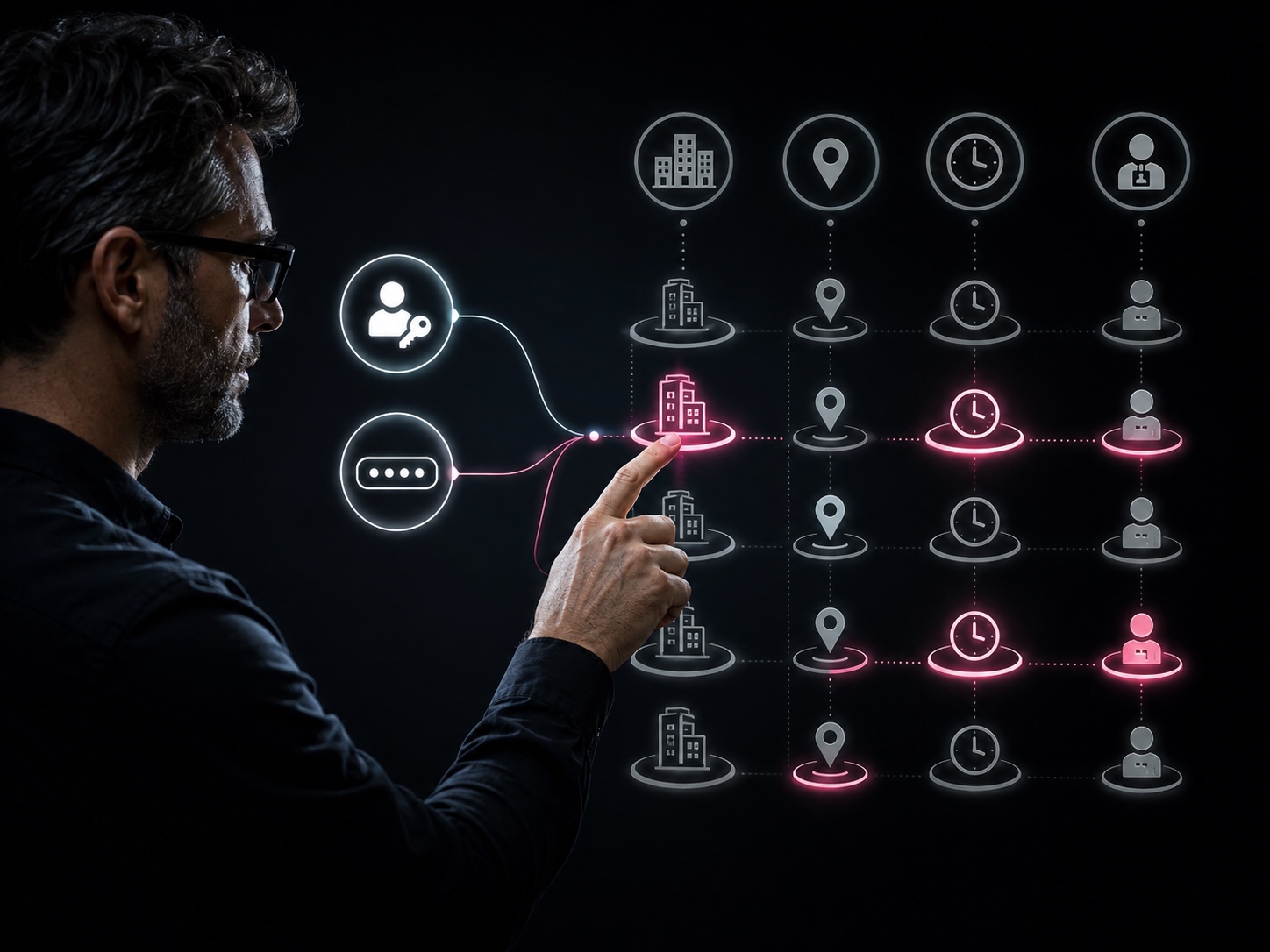
Create access and password policies around your real structure across Google Workspace portals, domains, brands, sub-brands, departments, teams, locations, shifts and roles. Decide who each policy applies to, resolve overlaps with priorities and make exceptions down to the individual.
Work across multiple Google Workspace domains and the separate portals used by your brands and sub-brands.
Choose exactly which access or password policy applies to whom across the organisation or by domain, department, team, location, shift or role.
Create rules for specific employees and give them priority whenever broader policy assignments overlap.
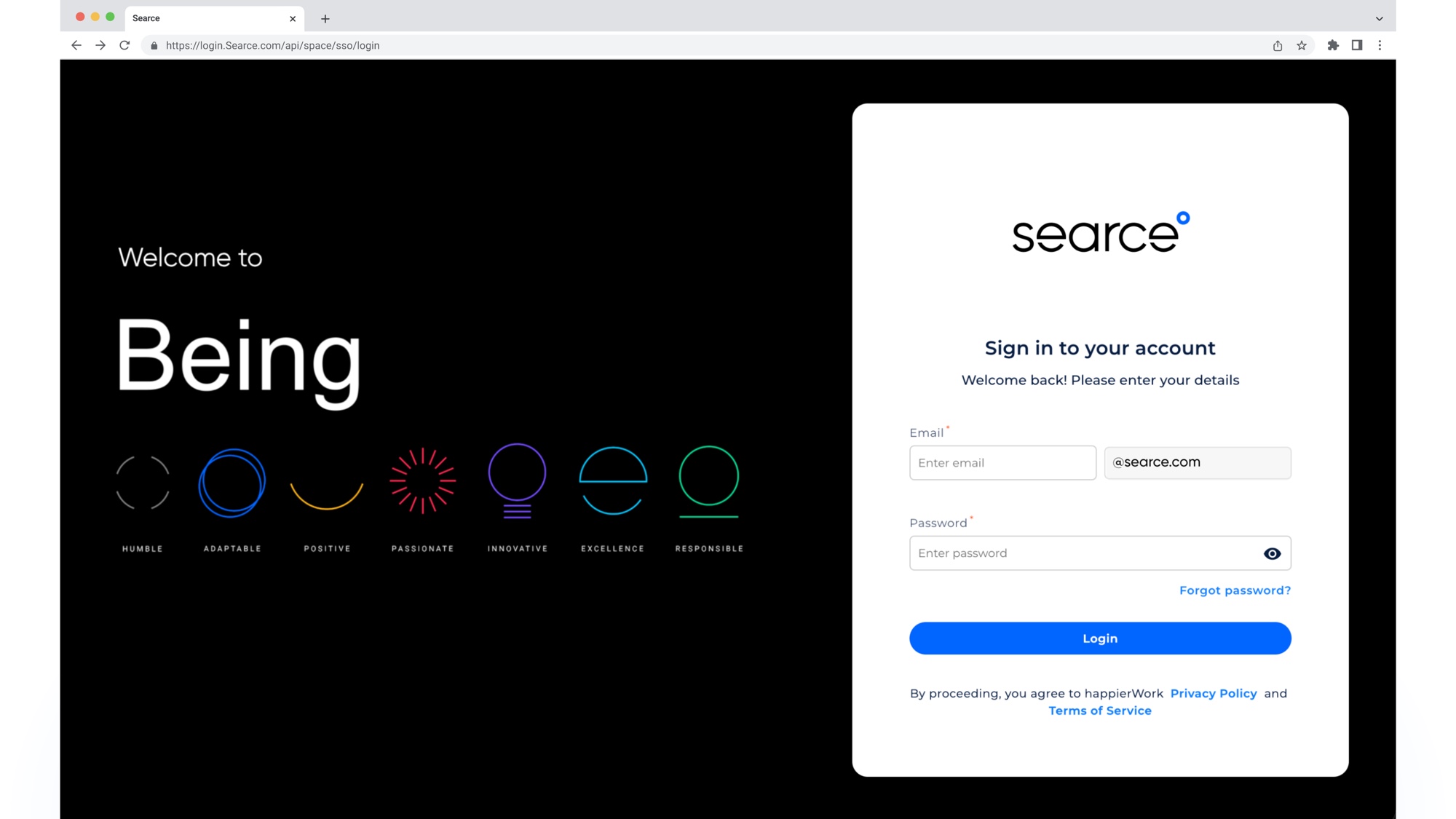
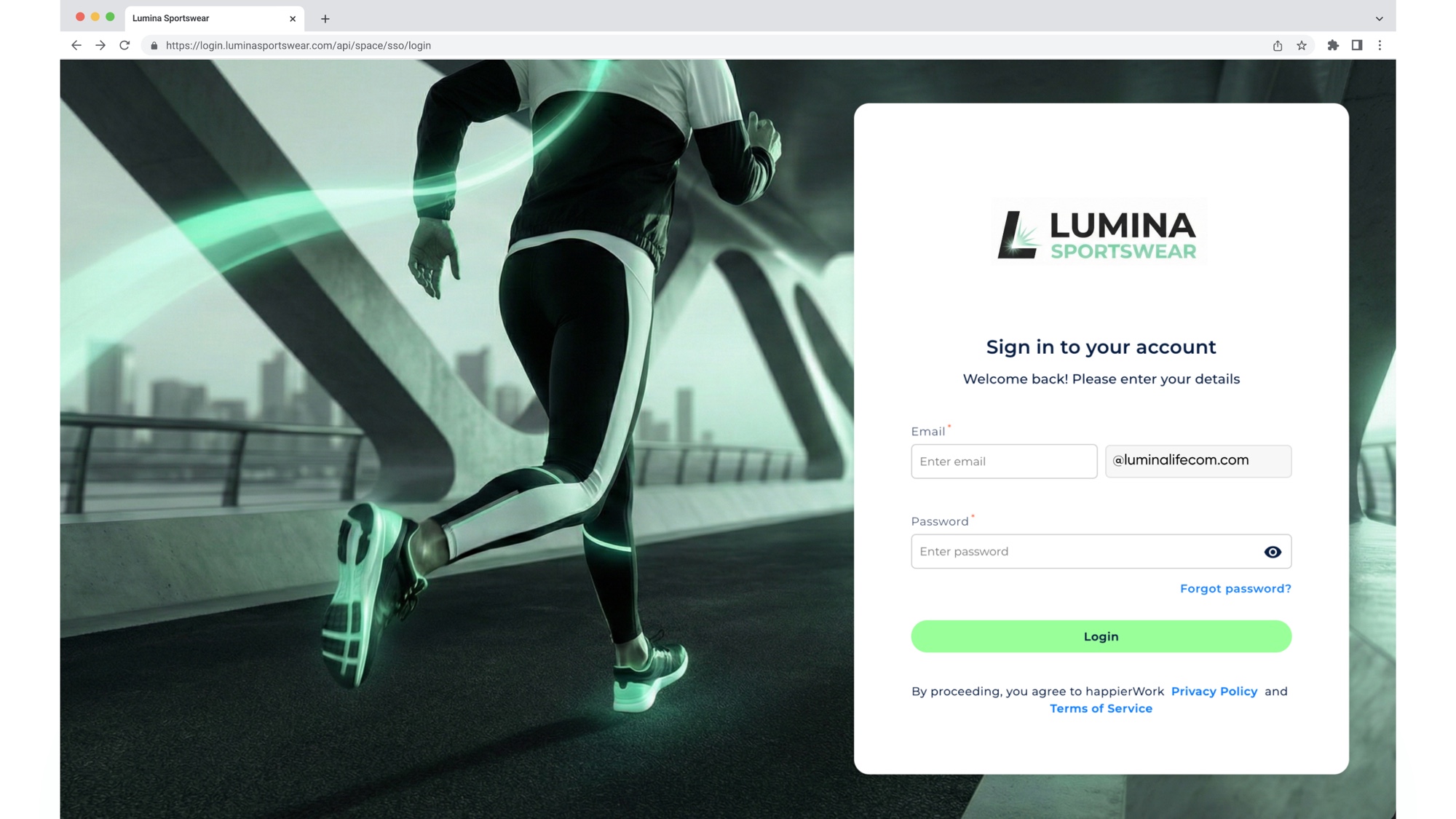
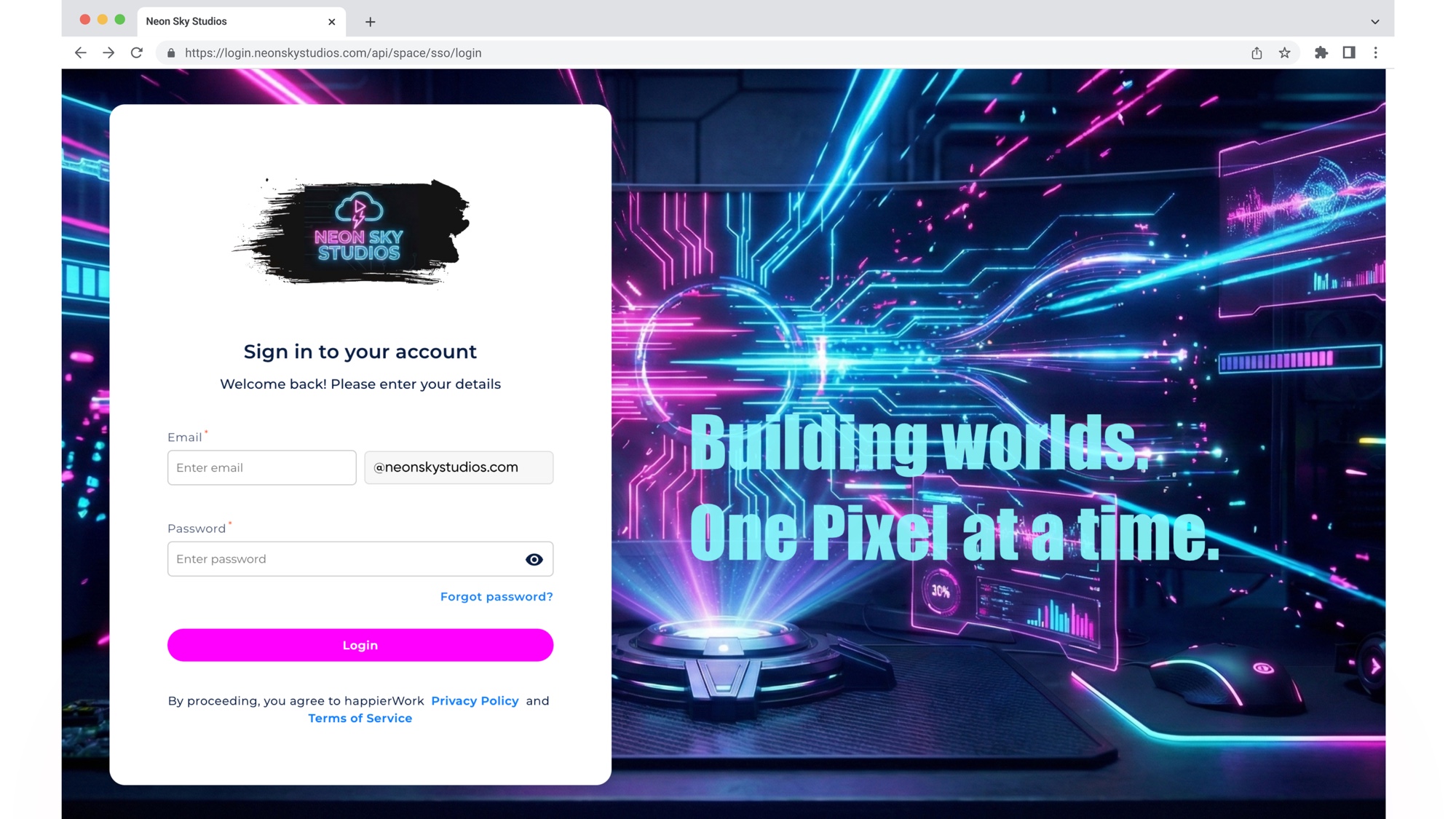
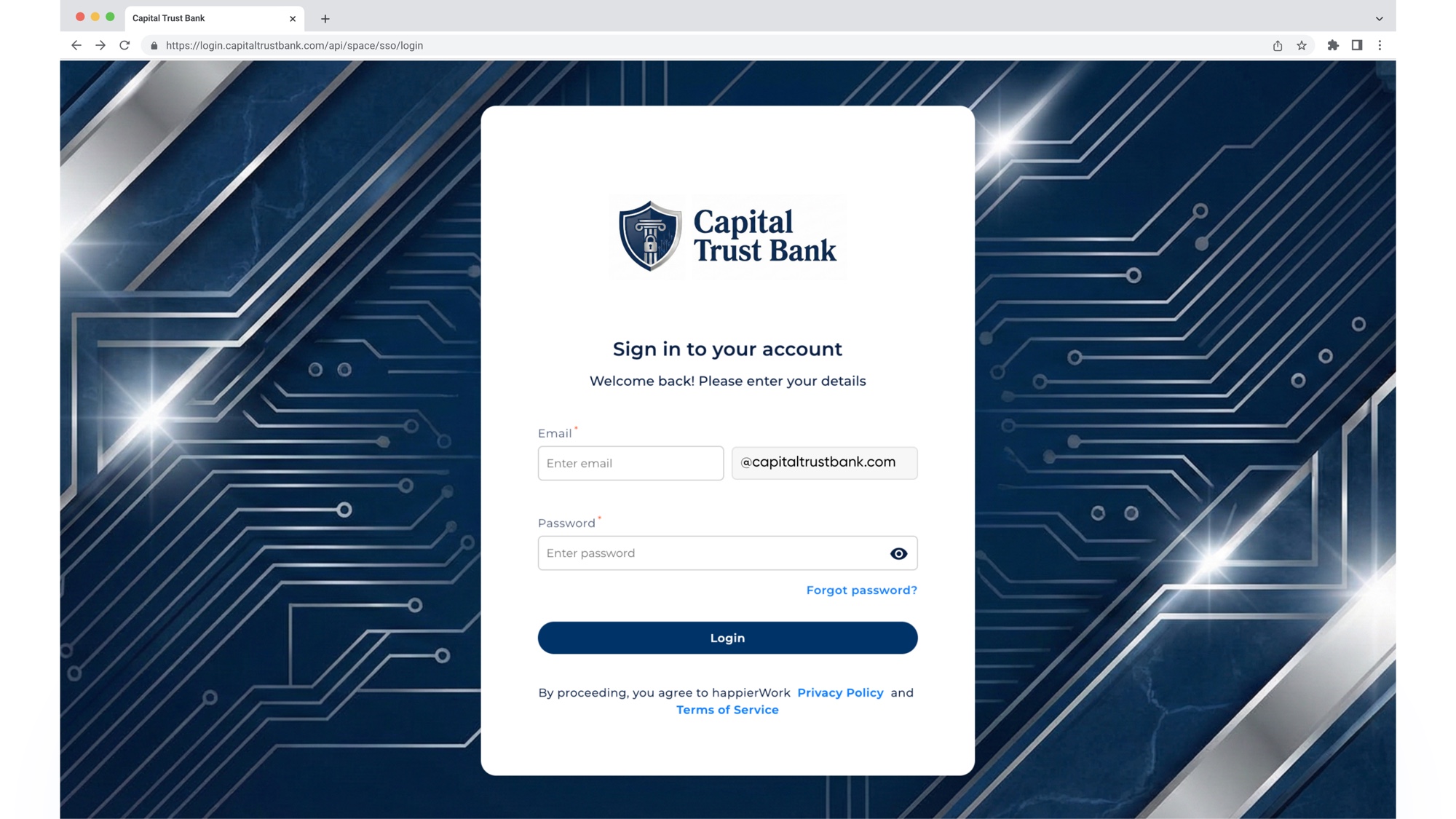
Smart Security adds branded sign-on and access controls to your existing Google Workspace. Password policies cover complexity, disallowed elements, expiration, reuse and recovery. Detailed Login Reports (Audit Logs) capture successful, failed and error attempts.
Practical answers about compatibility, control, cost and assurance.
Security and data protection are a top priority. happierspace is ISO 27001 certified and SOC 2 compliant, meaning we follow internationally recognized standards for information security, data management, and operational controls. Your data is handled securely with strict access controls, encryption, and ongoing monitoring to ensure confidentiality and compliance.
Smart Security is designed exclusively for companies already using Google Workspace. It works on top of an eligible plan, including lower-tier editions such as Starter, Standard or Plus. The exact edition and domain setup can be confirmed during the demo.
No. Google Workspace Enterprise contains a broader set of capabilities. Smart Security provides the security capabilities covered by this product at a lower cost, so organisations do not have to move every user to Enterprise solely to obtain those controls.
For organisations using an eligible Google Workspace plan, Smart Security costs less than $1.49 per user/month and is positioned at one-tenth the cost of Google Workspace Enterprise.
Yes. Policies can be set at domain, sub-brand, department, team, location, shift, role or individual level.
Priority rules determine which policy applies when more than one assignment matches, including when an individual exception overlaps with a broader policy.
Access Control includes IP Restrictions, Device Restrictions, Multi-factor Authentication, Time Restrictions, Browser Restrictions and Enforce Scheduled Logouts. Password policies can define complexity, disallowed elements, expiration, reuse, failed-attempt handling and recovery.
Smart Security records successful, failed and error attempts at user level. Administrators can review event and sub-event type, timestamp, operating system, browser, IP address and actioned-by details, then filter and download relevant evidence.
Tell us how sign-in, access and password requirements need to work across your domains, teams, locations and shifts. We’ll show you how to configure the relevant settings and policies, and what your teams can review in Login Reports.
Book a Demo
+
Smart Security